
Top 12 Gamification Platforms for Education in 2025
Discover the best gamification platforms for education in our 2025 guide. Boost engagement and learning outcomes with these top-rated tools and resources.
Educators are constantly searching for ways to capture student attention and transform passive learning into an active, engaging experience. Gamification, the application of game-design elements in non-game contexts, has emerged as a powerful strategy to achieve this. It leverages intrinsic motivators like competition, achievement, and collaboration to boost participation, improve knowledge retention, and make learning genuinely fun. These tools are a key component of the broader digital transformation in education, fundamentally reshaping learning environments and student engagement.
However, with a growing number of tools available, choosing the right one can be overwhelming. This guide cuts through the noise to provide a detailed look at the 12 best gamification platforms for education. We'll help you find the perfect fit for your students' needs, whether you're teaching K-12, higher education, or leading informal learning activities for geography enthusiasts and trivia lovers.
This resource is designed for quick, practical application. We skip the lengthy background and get straight to what matters: a comprehensive analysis of each platform. You will find an in-depth review of each tool, including:
- Core features and functionality
- Best-use cases and target age groups
- Pricing tiers and LMS integration options
- Screenshots and direct links for easy access
Our goal is to equip you with the information needed to select and implement the most effective gamification platform for your specific classroom goals, from quick quiz games like Kahoot! and Blooket to immersive worlds like Minecraft Education and unique experiences like EarthChasers.
1. EarthChasers
EarthChasers stands out as a premier gamification platform for education, leveraging Google Maps' stunning Photorealistic 3D to transform geography into a captivating and competitive experience. It masterfully merges immersive exploration with structured gameplay, making it an exceptional tool for educators seeking to boost engagement and spatial reasoning skills.
The platform's core strength lies in its diverse and replayable game modes. Students can engage in the Daily Hunt to pinpoint a mystery location, test their knowledge in Cities, Countries, or Natural Wonders challenges, or explore a vast library of user-generated Community Maps. This variety ensures content remains fresh and accommodates different learning objectives, from identifying global landmarks to understanding topography. Weekly leaderboards add a powerful competitive layer, motivating students to improve their scores and fostering a lively classroom dynamic.
Standout Features and Use Cases
EarthChasers is more than a game; it is a versatile educational utility. Its most significant advantage is the integration of professional-grade mapping tools that are accessible to everyone without an account.
- Practical Tools for Deeper Learning: Features like the Elevation Finder, Line of Sight Calculator, and ZIP Code Radius Finder move learning from abstract to applied. A science teacher could use the Elevation Finder for a lesson on biomes and altitude, while a social studies class could use the Line of Sight tool to analyze historical battle sites.
- Curriculum Integration: An educator can create a custom map of significant locations from a history lesson or a novel's setting, then challenge students to find and identify them. This turns passive learning into an active, exploratory quest.
- User-Generated Content: The ability for the community to create and share maps provides an endless well of new content, allowing teachers or students to design their own geography quizzes and challenges.
Implementation and Considerations
While EarthChasers offers a robust free experience, a "Pro" upgrade is mentioned on the site, though specific pricing and feature details are not publicly listed. The platform’s mapping tools are incredibly practical for educational purposes but are not a substitute for advanced Geographic Information System (GIS) software required for professional cartography or in-depth data analysis.
Website: https://earthchasers.com
2. Kahoot!
Kahoot! is a powerhouse among game-based learning platforms, renowned for its vibrant, fast-paced quizzes that energize classrooms. Its core strength lies in transforming formative assessment and topic reviews into engaging, competitive events. Educators can create live quizzes for in-class participation or assign self-paced challenges for homework, fostering both group excitement and individual mastery.
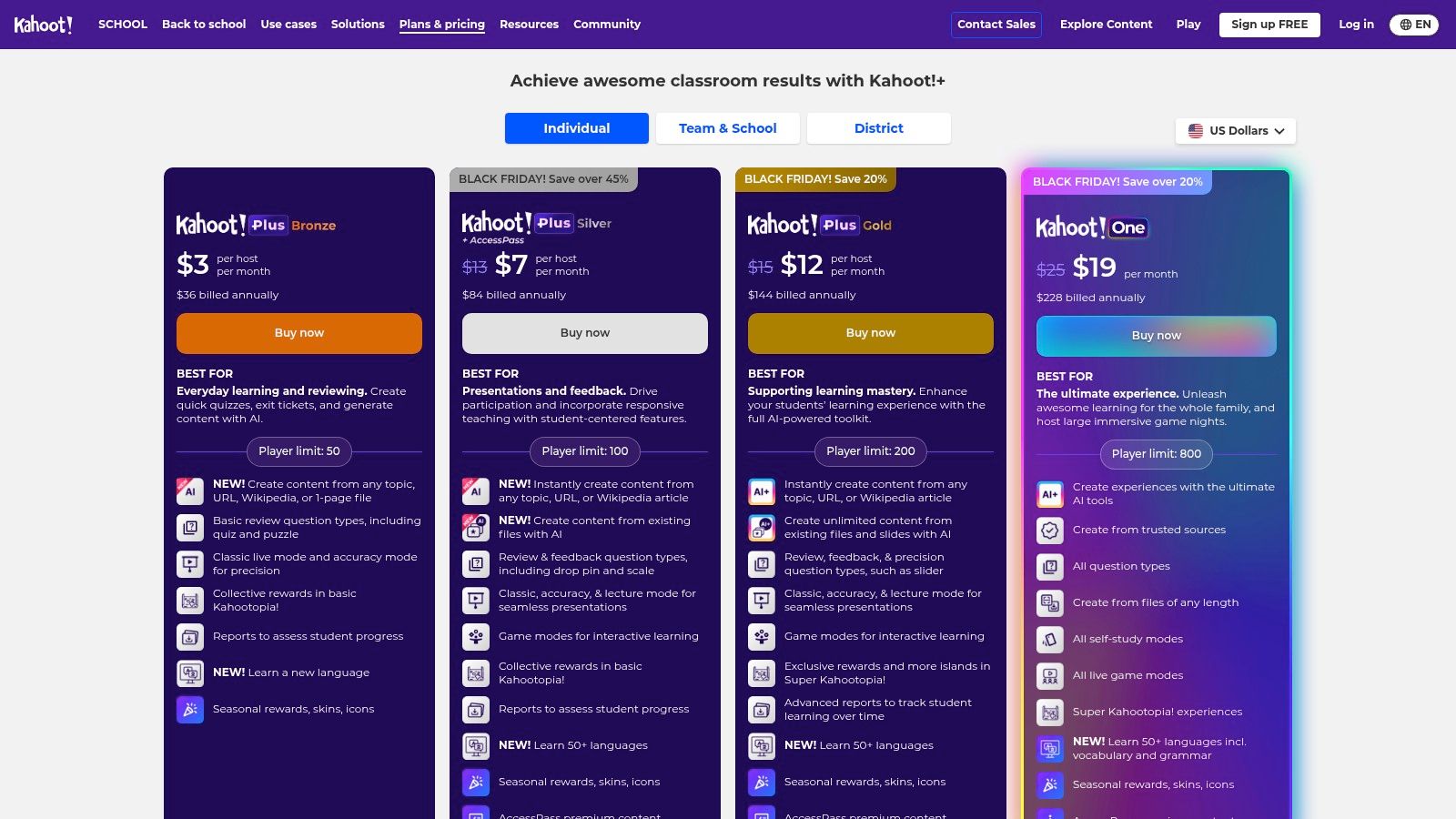
What makes Kahoot! a staple in so many classrooms is its sheer simplicity and scalability. An instructor can go from an idea to a live game in minutes, especially using the AI quiz generator which can create questions from a simple topic, a document, or a URL. Its massive, user-generated library also provides millions of ready-to-play quizzes on nearly any subject. This focus on rapid deployment and high engagement makes it an indispensable tool for quick comprehension checks and review sessions. Understanding these core mechanics is key, as covered in this overview of gamification in education.
Core Features & Implementation
- Best Use Case: Ideal for K-12 and higher education for live formative assessments, review sessions, and breaking the ice. Its large-group capacity also makes it perfect for school assemblies or training events.
- Pricing: A robust free version is available. Paid plans for teachers (like Kahoot!+ Premier) start around $7.99/month but are billed annually, unlocking higher player limits, more question types, and advanced reporting.
- Pros & Cons:
- Pro: Exceptionally easy to create and launch, highly engaging for students, and scales effortlessly from small classes to hundreds of participants.
- Con: The most powerful features, such as puzzle questions or higher player caps, are locked behind higher-tier subscriptions, and annual upfront billing can be a hurdle for individual educators.
Website: https://kahoot.com/schools/plans/
3. Quizizz
Quizizz excels as a flexible gamified platform that adeptly handles both live classroom competition and asynchronous, student-paced learning. It empowers educators with a suite of tools beyond simple quizzes, including interactive lessons, videos, and detailed assignments. Its standout feature is the ability to run activities where students progress at their own speed, making it a fantastic tool for homework, review, and differentiated instruction within diverse classrooms.
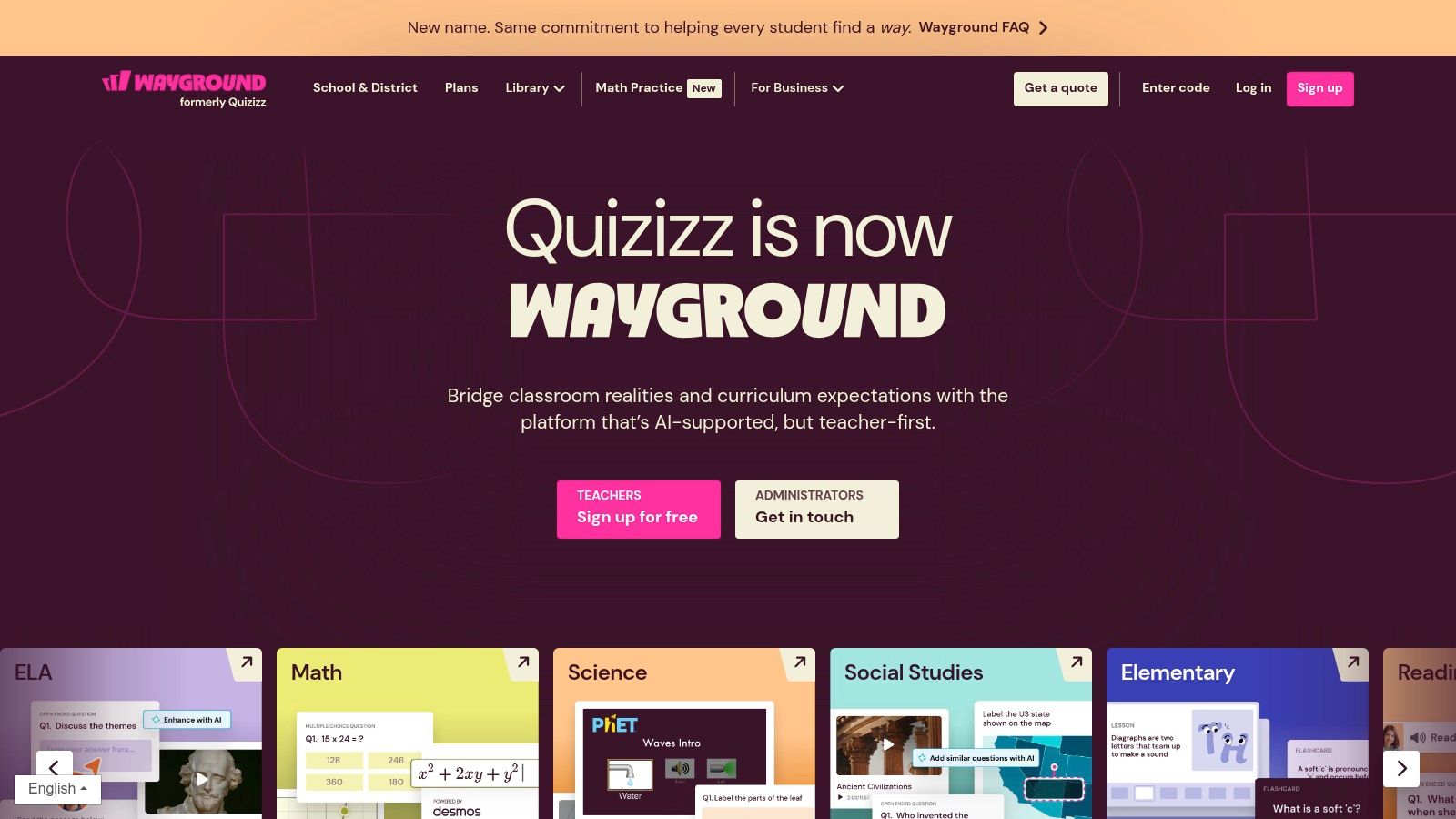
The platform is celebrated for its massive community-generated content library, allowing teachers to find and adapt existing material in seconds. Quizizz AI further streamlines lesson creation by generating questions from a simple prompt, PDF, or website link. This combination of ready-made resources and AI assistance makes it one of the most efficient gamification platforms for education, especially for teachers managing heavy workloads who need to quickly deploy meaningful practice activities.
Core Features & Implementation
- Best Use Case: Excellent for K-12 and corporate training for both formative assessment and independent practice. Its student-paced mode is ideal for homework, station rotations, and personalized learning paths.
- Pricing: A generous free plan is available. The "Super" plan for individual teachers adds more features and costs around $12/month (billed annually). School and District plans are available by quote.
- Pros & Cons:
- Pro: The student-paced mode is a game-changer for differentiation and homework, and the enormous content library saves significant prep time. It works smoothly in 1:1 and BYOD environments.
- Con: Some of the most advanced features and analytics are locked behind the "Super" or institutional tiers, and pricing can vary significantly by region, often requiring an institutional quote.
Website: https://quizizz.com/
4. Gimkit
Gimkit is a dynamic game show-style platform for the classroom, uniquely created by a student for students. It stands out by infusing strategic, arcade-like elements into its review games, emphasizing replayability to keep learning fresh. Educators can host live games or assign independent work, using various modes that go beyond simple question-and-answer formats, challenging students to think strategically as they learn.
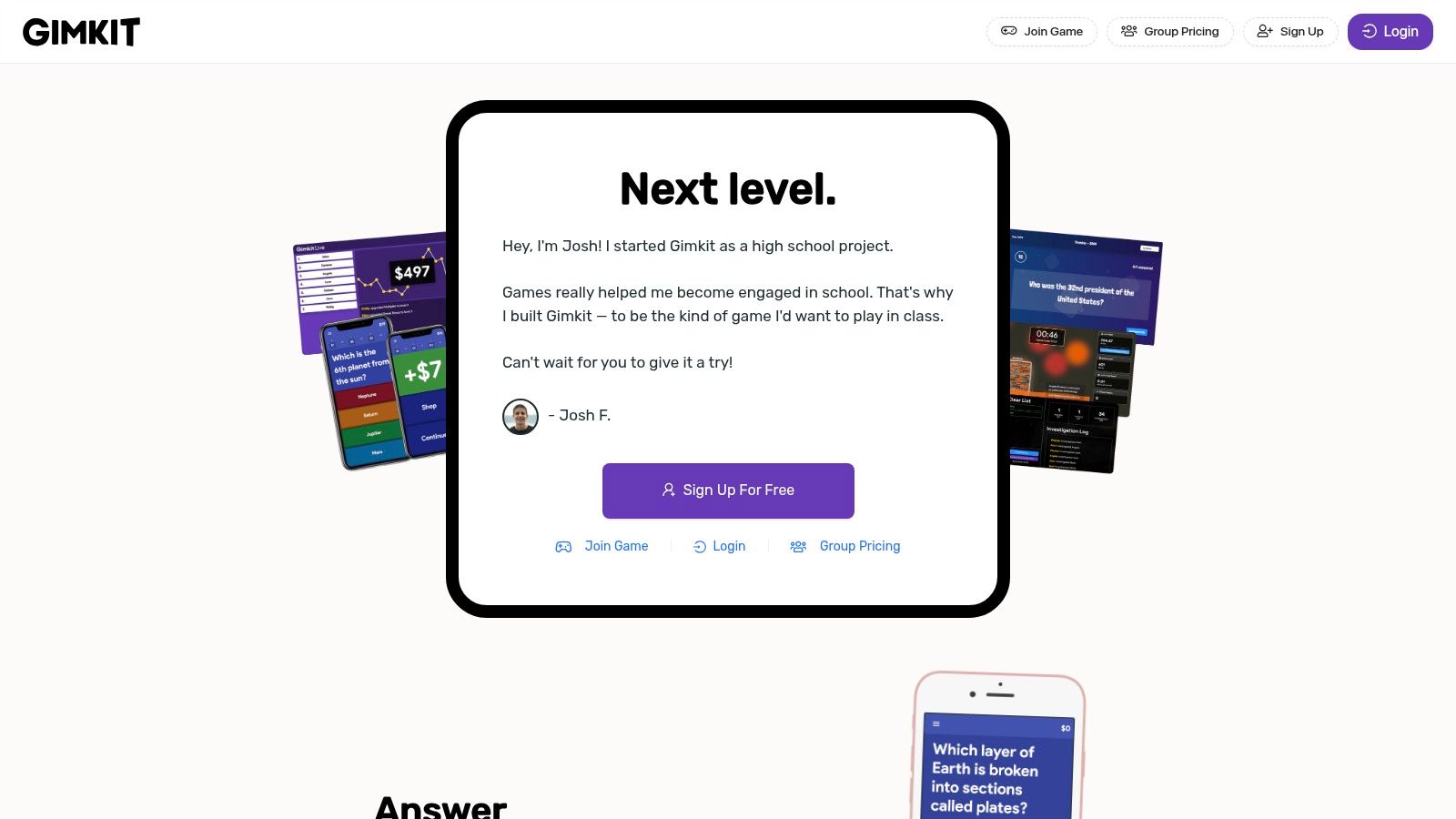
What makes Gimkit one of the most engaging gamification platforms for education is its continuous development of new, creative game modes like "Trust No One" or "The Floor is Lava." These modes motivate students not just to answer correctly, but to manage in-game currency, form alliances, and use power-ups. The platform also supports long-term engagement through student accounts, classes, and seasons, allowing teachers to track progress over time. New educators can explore its full potential with a 14-day Pro trial.
Core Features & Implementation
- Best Use Case: Excellent for K-12 classrooms looking for highly engaging, replayable review games that blend content knowledge with strategic thinking. It works well for both live, competitive sessions and asynchronous homework assignments.
- Pricing: A free basic version is available with limited access to game modes. Gimkit Pro, required for the most popular modes, costs $9.99/month or $59.88/year. Group licenses are available for schools.
- Pros & Cons:
- Pro: Exceptionally engaging game modes that students love, encouraging repeated play and content mastery. The platform offers simple group licensing options for easy school-wide adoption.
- Con: The best and most popular game modes are locked behind the Pro subscription. Purchase orders are only accepted for group licenses, which can be a barrier for individual teachers.
Website: https://www.gimkit.com/
5. Blooket
Blooket carves a unique niche among gamification platforms for education by combining academic review with the compelling hook of collectible digital items. Students answer questions to earn points or in-game advantages, which then allow them to acquire and use "Blooks," cute, block-like characters. This dual-layer reward system, where both correct answers and strategic gameplay lead to success, keeps students highly motivated during review sessions.
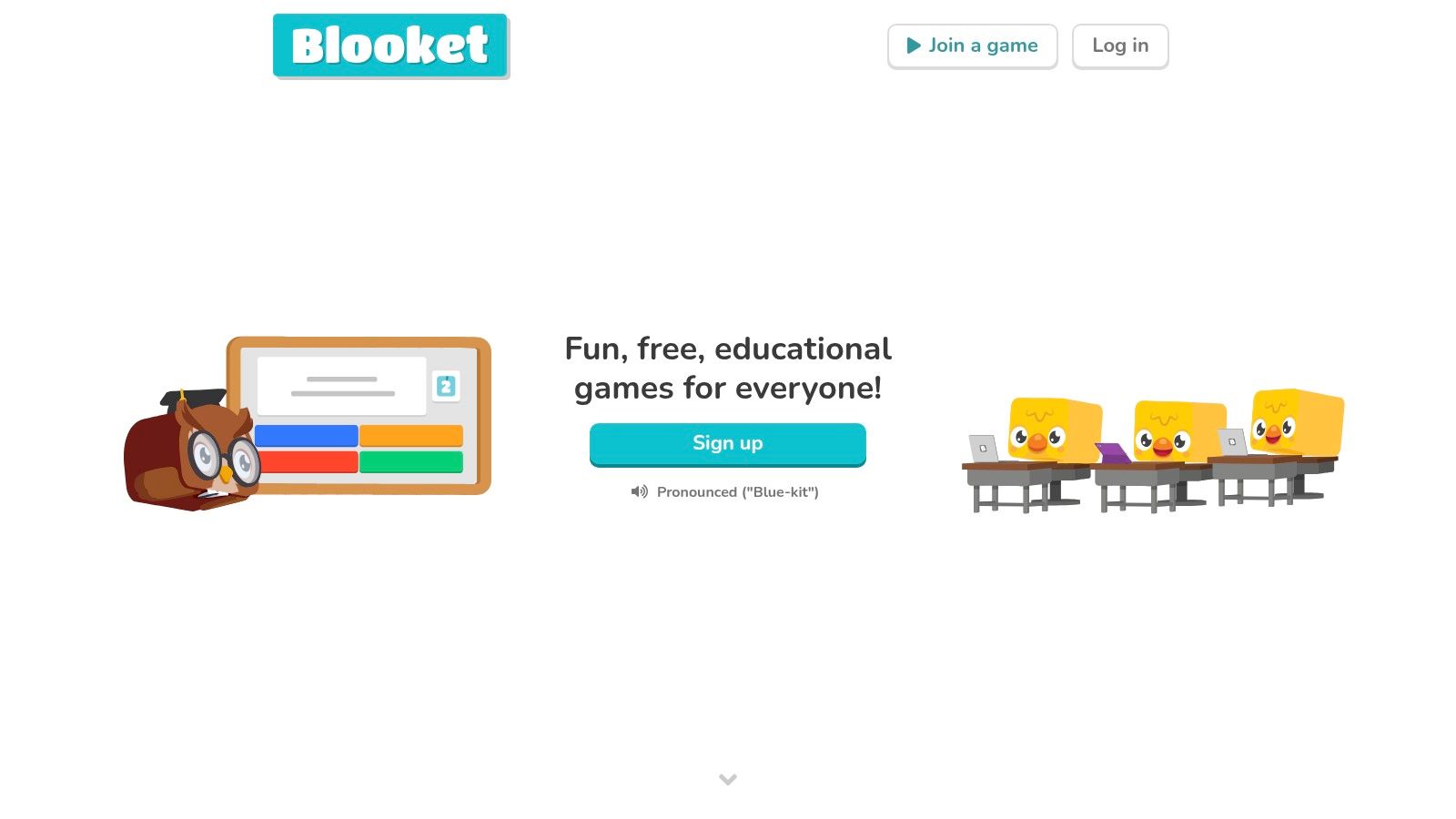
The platform’s strength is its variety of game modes, each offering a different strategic challenge beyond simple question-and-answer. From "Tower Defense" to "Gold Quest," the activities feel more like modern online games than traditional quizzes. Educators can either create their own question sets or pull from a vast public library, making it quick to launch a game that aligns with their curriculum. This unique blend of quiz mechanics and meta-game objectives makes Blooket an incredibly effective tool for repeated practice and concept reinforcement.
Core Features & Implementation
- Best Use Case: Excellent for K-12 classrooms, particularly for engaging students in repetitive practice like vocabulary, math facts, or concept review. The game modes are perfect for whole-class activities or station rotations.
- Pricing: A free plan offers access to most game modes for up to 60 players. The Blooket Plus plan (around $4.99/month, billed annually) unlocks exclusive game modes, enhanced reporting, and a player cap of 300.
- Pros & Cons:
- Pro: The collectible Blooks and varied game modes are extremely popular with students, driving high engagement. It is very easy for teachers to get started using public question sets.
- Con: The free tier limits player count and access to certain game modes and advanced analytics, which are only available with a paid subscription.
Website: https://www.blooket.com/
6. Nearpod
Nearpod stands out as an interactive instructional platform that embeds gamification directly into lesson delivery, rather than focusing solely on standalone quizzes. Its strength is in transforming standard presentations into dynamic, two-way experiences with activities like its popular "Time to Climb" game, where students race to the top of a mountain by answering questions correctly. This integrated approach makes it a powerful tool for maintaining engagement during direct instruction.
What makes Nearpod a favorite in blended learning environments is its vast library of pre-made, standards-aligned lessons and its flexible delivery modes. Teachers can lead a live, synchronous session where they control the pace, or assign a self-paced lesson for independent student work. This dual capability, combined with over 20 formative assessment and activity types, allows for deep differentiation and data collection. Nearpod's approach is a prime example of how to make lessons more engaging, a concept explored in this guide to what interactive learning is.
Core Features & Implementation
- Best Use Case: Excellent for K-12 classrooms looking to make direct instruction more participatory. It excels in both whole-group, teacher-led lessons and self-paced, independent student activities.
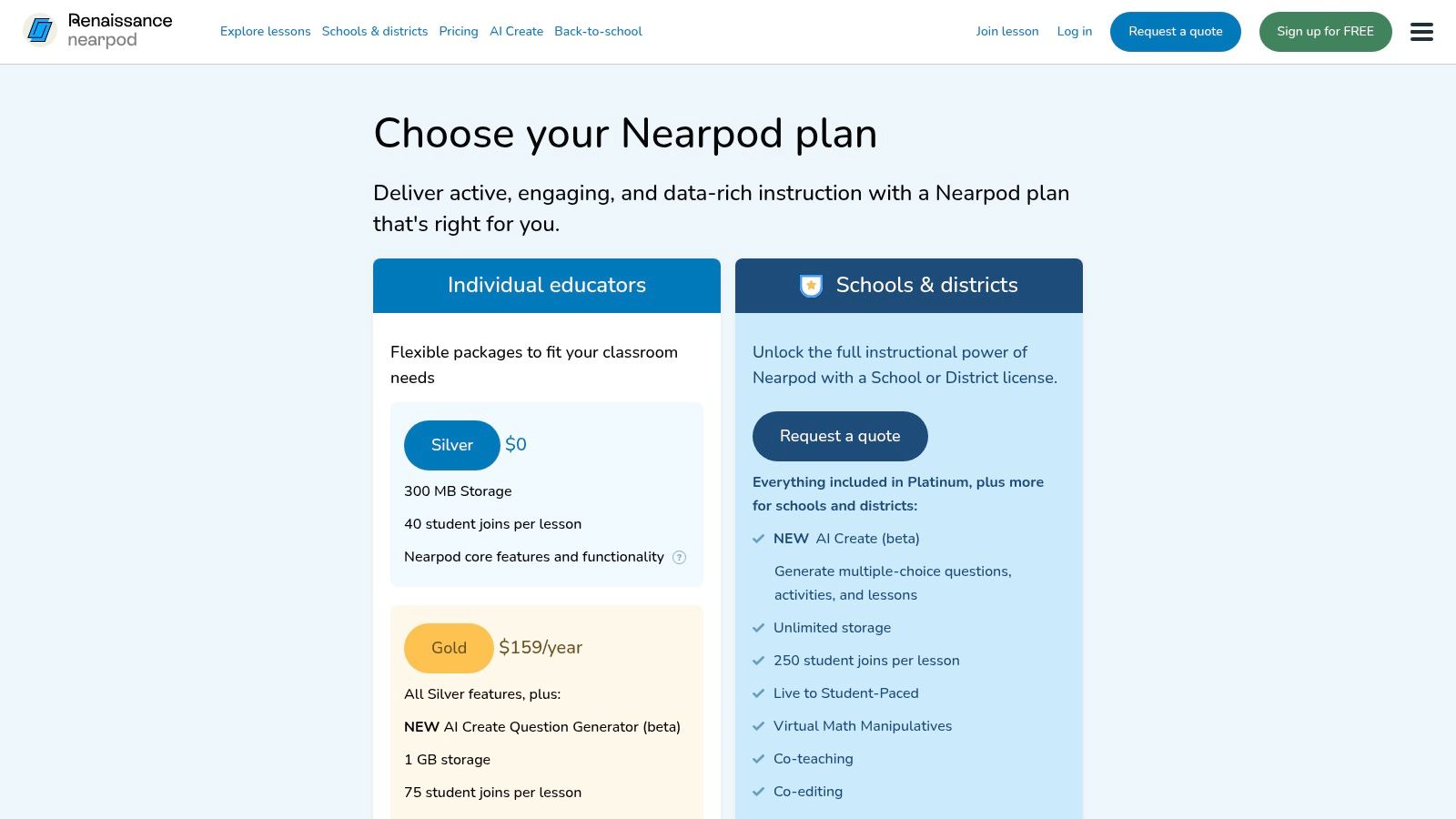
- Pricing: A free Silver plan is available but has limits on session size (40 students) and storage. Paid Gold and Platinum plans, necessary for larger classes and advanced features, are quoted at the school or district level.
- Pros & Cons:
- Pro: The extensive, high-quality content library saves teachers significant prep time, and robust LMS/LTI integrations make it easy to adopt at an institutional level.
- Con: The free tier's limitations on student numbers and storage can be restrictive for many classrooms, pushing users toward paid plans which often require a school-wide purchase.
Website: https://nearpod.com/pricing
7. Minecraft Education
Minecraft Education takes gamification beyond quizzes and points, immersing students in a rich, block-based world where they can build, explore, and solve complex problems collaboratively. It leverages the massive popularity of the original game to create a powerful platform for project-based learning. Educators can guide students through historical reconstructions, complex ecosystems, or coding challenges, making abstract concepts tangible and interactive.
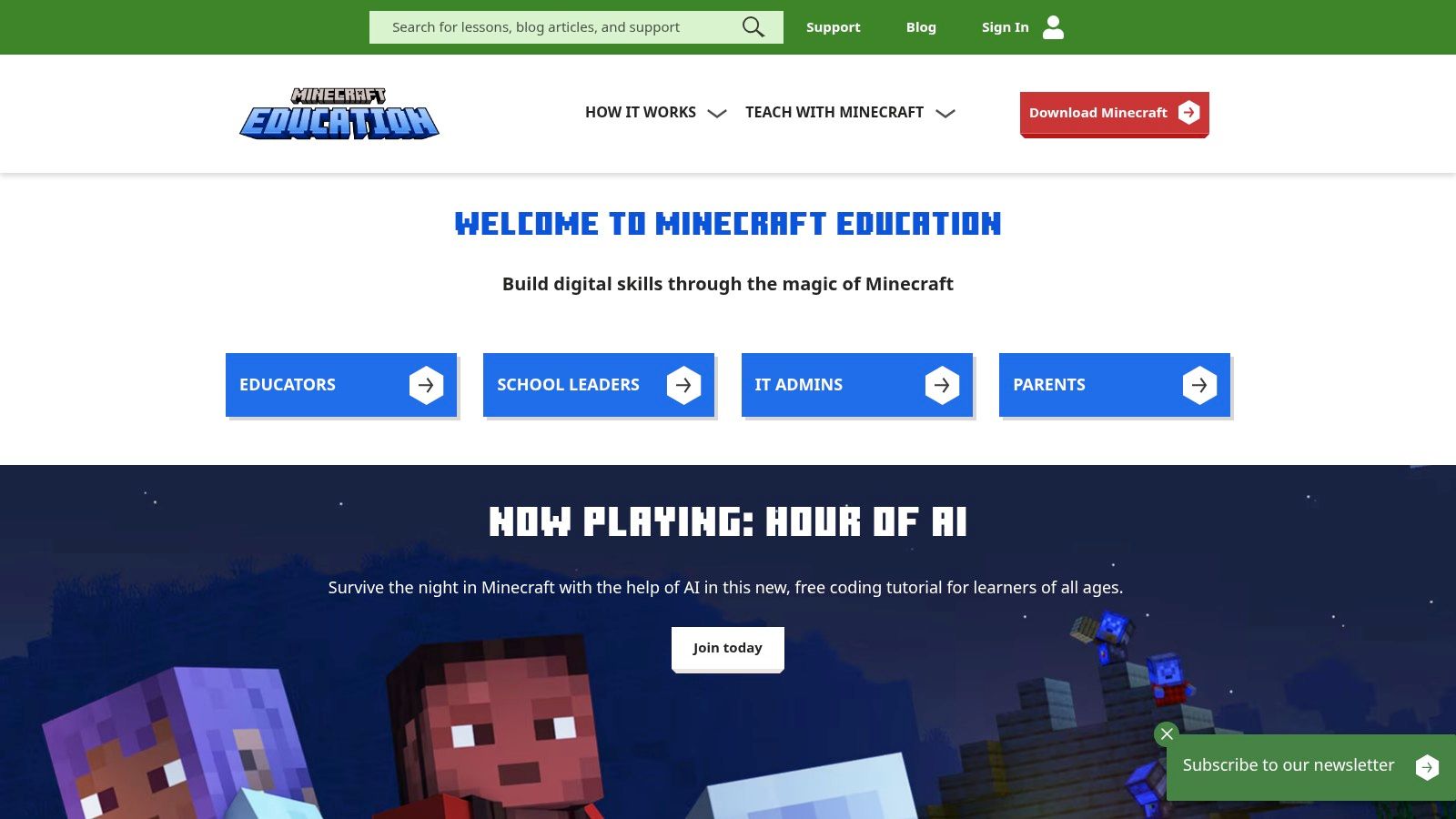
What sets Minecraft Education apart from other gamification platforms for education is its emphasis on intrinsic motivation and student agency. Instead of a linear path, it offers an open-ended sandbox for creativity and critical thinking. With features like Code Builder, which introduces students to block-based and Python coding, and a Chemistry Resource Pack, it facilitates deep, cross-curricular learning in STEM, history, art, and more. The platform's strength is its ability to transform learning into an adventure driven by curiosity.
Core Features & Implementation
- Best Use Case: Excellent for K-12 project-based learning, STEM education, computer science, and fostering collaboration and problem-solving skills in an immersive environment.
- Pricing: Requires a Microsoft 365 for Education account. Licensing is typically handled at the district or school level, with individual licenses costing around $12 per user per year. A free trial is available.
- Pros & Cons:
- Pro: Unparalleled student engagement through open-ended creative challenges and familiar gameplay. Very affordable per-user licensing for schools.
- Con: Requires more powerful devices than web-based platforms and an initial IT setup. Maximizing its potential often demands significant teacher planning and familiarity with the game mechanics.
Website: https://education.minecraft.net/
8. Duolingo for Schools
Duolingo for Schools harnesses the power of the world's most popular language-learning app and provides a free, dedicated dashboard for educators. Its strength lies in leveraging Duolingo's existing, highly effective gamification mechanics like XP, streaks, and leaderboards to motivate students outside the classroom. Teachers can create virtual classrooms, assign specific lessons or XP goals, and monitor student progress with minimal setup.
What makes Duolingo for Schools an exceptional tool is its accessibility and focus on supplemental practice. It isn't a replacement for a core curriculum but serves as an engaging homework or independent study platform that students can use on nearly any device. The platform brilliantly outsources motivation through its proven game-like features, allowing educators to focus on targeted instruction based on the detailed progress reports provided by the dashboard. This approach makes it one of the most practical gamification platforms for education in the language-learning space.
Core Features & Implementation
- Best Use Case: Excellent for K-12 and higher education language classes as a tool for supplemental practice, homework assignments, and long-term vocabulary building.
- Pricing: The Duolingo for Schools dashboard and all core learning content for students are completely free. Optional "Super Duolingo" subscriptions for an ad-free experience are available for individual purchase by users.
- Pros & Cons:
- Pro: The teacher dashboard and core student app are entirely free and widely accessible on web and mobile devices, making it incredibly easy to assign and track practice.
- Con: It is designed as a supplemental tool, not a comprehensive classroom curriculum, and its primary use on mobile devices might conflict with some school IT policies.
Website: https://schools.duolingo.com/
9. Prodigy
Prodigy is a unique entry among gamification platforms for education, blending a curriculum-aligned math (and now English) practice tool with a full-fledged fantasy RPG. It excels at motivating students in grades 1-8 to practice core skills by embedding academic challenges directly into gameplay. As students explore game worlds, battle monsters, and collect pets, they must correctly answer standards-aligned questions to cast spells and advance, making practice feel like an adventure rather than a drill.
What makes Prodigy so effective in elementary and middle school classrooms is its adaptive learning engine. The platform automatically adjusts the difficulty of questions based on student performance, ensuring each child is working at their appropriate level. This creates a highly personalized learning path that builds confidence and addresses knowledge gaps without direct teacher intervention for every single problem. This approach makes it one of the best educational games for kids available today.
Core Features & Implementation
- Best Use Case: Excellent for K-8 classrooms for supplemental math and English practice, differentiated instruction, and homework assignments. Its engaging world is particularly effective for motivating reluctant learners.
- Pricing: The core educational content is completely free for teachers and schools. Optional paid family memberships unlock extra cosmetic items, pets, and game areas for students but do not provide an academic advantage.
- Pros & Cons:
- Pro: The core game is free, widely adopted, and highly engaging for its target age group. The teacher dashboard provides powerful, easy-to-understand reports on student progress and standards mastery.
- Con: The strongest in-game incentives (like exclusive gear and pets) are tied to paid memberships, which can create equity issues in a classroom. The platform requires consistent device access to be effective.
Website: https://www.prodigygame.com/
10. ClassDojo
ClassDojo excels as a classroom community platform that cleverly integrates gamification to encourage positive behaviors and foster social-emotional learning (SEL). Its core function revolves around a simple, customizable points system where teachers can award or deduct "Dojo Points" based on classroom values like teamwork, persistence, or participation. This transforms routine classroom management into a gentle, engaging game that students and parents can track.
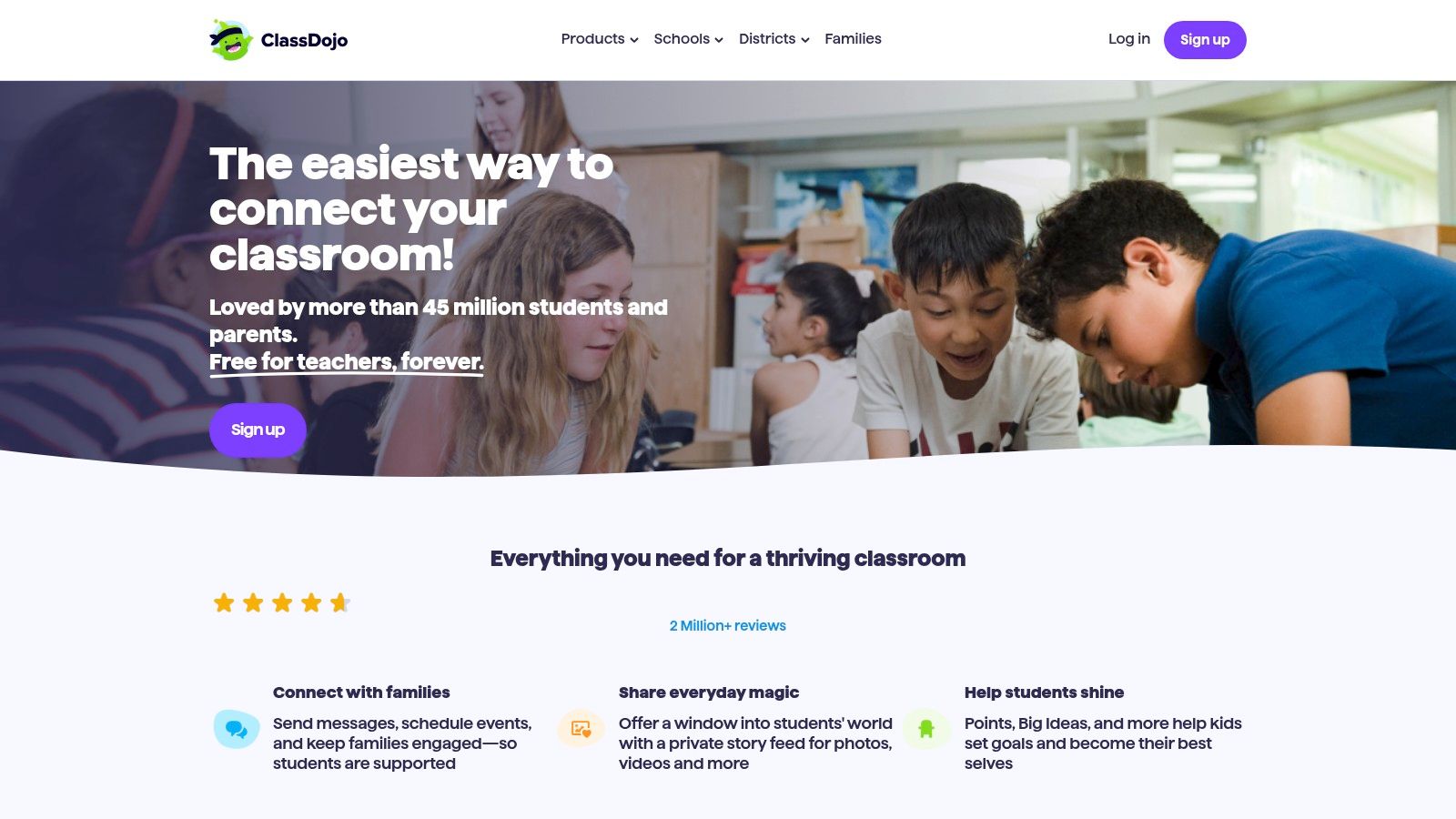
What sets ClassDojo apart is its fusion of light gamification with robust family communication tools. Teachers can share photos, videos, and messages with parents, creating a transparent and supportive triangle between home, student, and school. The platform’s Dojo Toolkit, which includes a randomizer and group maker, and the SEL-focused Dojo Islands, further cement its role as a holistic classroom culture-builder rather than just an academic tool. This makes it one of the most practical gamification platforms for education, especially in elementary settings.
Core Features & Implementation
- Best Use Case: Perfect for K-8 classrooms focused on building a positive culture, managing behavior through a PBIS framework, and strengthening home-school communication.
- Pricing: The core features for teachers, students, and families are completely free. An optional ClassDojo Plus subscription is available for families, offering extra features like detailed progress reports.
- Pros & Cons:
- Pro: Exceptionally effective for K-8 behavior management, free for core classroom use, and seamlessly integrates parent communication.
- Con: It is not a content or curriculum platform; its gamification is centered on behavior and classroom routines, not academic instruction.
Website: https://www.classdojo.com/teachers/
11. HMH Classcraft
HMH Classcraft represents a significant evolution from the original RPG-style platform, now deeply integrated into the Houghton Mifflin Harcourt ecosystem. It functions as a classroom orchestration and engagement layer, designed to streamline instruction and provide real-time insights. The platform moves beyond simple game mechanics to offer a comprehensive system for delivering standards-aligned lessons, particularly in ELA and Math for K-8.

What distinguishes HMH Classcraft is its focus on whole-class instruction and responsive teaching. The "three-screen orchestration" allows teachers to manage content on their device, project it for the class, and engage students on their individual devices simultaneously. This integrated approach, combined with AI-powered summarization of student responses, makes it one of the more robust gamification platforms for education when tied to a specific curriculum, aiming to reduce platform switching for districts already invested in HMH programs.
Core Features & Implementation
- Best Use Case: Ideal for K-8 districts already using or planning to adopt HMH core curriculum programs. It excels at creating a cohesive, interactive instructional environment for core subjects like math and ELA.
- Pricing: Pricing is not publicly listed and typically requires a district-level purchase. Interested schools or districts must request a demo and receive a custom quote.
- Pros & Cons:
- Pro: Seamless integration with HMH standards-aligned content provides ready-made, engaging lessons. The real-time formative insights empower teachers to adapt instruction on the fly.
- Con: It differs significantly from the legacy Classcraft that many individual teachers knew and loved. The requirement for a district-level purchase makes it inaccessible for individual educators or smaller schools.
Website: https://www.hmhco.com/programs/classcraft
12. GooseChase EDU
GooseChase EDU transforms learning into an interactive scavenger hunt, getting students out of their seats and actively engaged. It excels at gamifying field trips, campus orientations, professional development days, and dynamic classroom lessons by turning them into competitive "missions." Educators create challenges that require students to submit photos, videos, text, or GPS check-ins, fostering collaboration and creative problem-solving.

What sets GooseChase EDU apart is its focus on movement-based, experiential learning that bridges the digital and physical worlds. Its platform is remarkably easy to manage, with features like a real-time activity feed, automatic scoring, and extensive mission templates to get started quickly. The ability for students to participate on mobile devices or Chromebooks without needing an email address makes it highly accessible and one of the most unique gamification platforms for education available.
Core Features & Implementation
- Best Use Case: Excellent for K-12 and higher education to create active learning experiences, such as school tours, museum visits, topic reviews, and team-building exercises.
- Pricing: A free "Basic" plan allows for one live game with up to 5 teams. The Educator Plus plan is around $99 per year for a single educator, unlocking more features and larger games. School and district-wide plans are also available.
- Pros & Cons:
- Pro: Exceptionally engaging and promotes physical activity and collaboration. The mission bank and easy setup make deployment fast for any event.
- Con: The best experiences require students to have access to mobile devices or Chromebooks for media submissions. The free tier is quite limited, and costs can increase for larger events or school-wide use.
Website: https://goosechase.com/pricing/education
12 Educational Gamification Platforms — Comparison
| Product | Core features | UX / Quality (★) | Value & Pricing (💰) | Target audience (👥) | Unique selling points (✨) |
|---|---|---|---|---|---|
| 🏆 EarthChasers | Photorealistic 3D globe, Daily Hunt, Cities/Countries/Wonders, community maps, Elevation/LOS/ZIP tools | ★★★★★ immersive photoreal | 💰 Free tools; Pro upgrade (unspecified) | 👥 Educators, students, geographers, hobbyists | ✨ Photoreal 3D + pro mapping tools + competitive Daily Hunt |
| Kahoot! | Live & self-paced quizzes, AI quiz gen, large content library | ★★★★☆ fast & scalable | 💰 Free tier; edu plans (annual); paid tiers for advanced caps | 👥 K–12 teachers, large-group instructors | ✨ Instant live engagement + huge ready-made library |
| Quizizz | Live & student-paced quizzes, lessons, interactive video, AI Q gen | ★★★★☆ student-paced analytics | 💰 Free/basic; “Super” or institutional paid plans | 👥 K–12 teachers, 1:1/BYOD classrooms | ✨ Instructional suite + AI question generation |
| Gimkit | Arcade-like strategic modes, live & assignments, classes/seasons | ★★★★☆ replayable & strategic | 💰 14-day Pro trial; Pro subscription for top features | 👥 Middle/High teachers seeking high engagement | ✨ Replayable strategy game modes that boost retention |
| Blooket | Collectible “blooks”, themed game modes, public/custom sets | ★★★☆☆ fun & visual | 💰 Free tier; Plus for exclusive modes & larger caps | 👥 Elementary/Middle teachers & students | ✨ Collectibles + themed, low-lift game modes |
| Nearpod | 20+ activities, Time to Climb, vetted content library, AI Create (beta) | ★★★★☆ whole-class interactive | 💰 Free Silver (limits); Gold/Platinum paid upgrades | 👥 K–12 blended learning teachers | ✨ Standards-aligned vetted lessons + interactive tools |
| Minecraft Education | Classroom Mode, Code Builder, chemistry, lesson worlds | ★★★★☆ deep creative engagement | 💰 Affordable per-user school licensing | 👥 Project-based/STEM teachers, K–12 | ✨ Open-ended world-building + coding integrations |
| Duolingo for Schools | Teacher dashboard, assignments, gamified learner app (XP/streaks) | ★★★★☆ very accessible | 💰 Core free; Super/Max optional paid features | 👥 Language teachers & independent learners | ✨ World-class gamified app + teacher tracking |
| Prodigy | Adaptive math, teacher dashboard, RPG progression, seasonal events | ★★★★☆ motivating for kids | 💰 Free for teachers; optional family memberships | 👥 Grades 1–8 teachers & families | ✨ Standards-aligned adaptive RPG practice |
| ClassDojo | Points/PBIS, Dojo Toolkit, portfolios, messaging & translation | ★★★★☆ classroom community hub | 💰 Free & widely adopted | 👥 K–8 teachers, families | ✨ Behavior management + family communication in one app |
| HMH Classcraft | Three-screen orchestration, real-time insights, GenAI tools, HMH lessons | ★★★☆☆ class orchestration focus | 💰 District/institutional purchase; quotes required | 👥 K–8 districts & schools using HMH programs | ✨ Integrated HMH-aligned lessons + AI-driven insights |
| GooseChase EDU | Mission templates, real-time feed, scoring, media submissions | ★★★★☆ movement-based & social | 💰 EDU plans; free tier limits participants | 👥 Field trips, PD organizers, classroom teachers | ✨ Mobile scavenger-hunt experiences with media & leaderboards |
Making Your Final Choice: How to Select the Right Platform
Navigating the vibrant landscape of gamification platforms for education can feel like an adventure in itself. We've journeyed through a dozen powerful tools, from the fast-paced quizzes of Kahoot! and Gimkit to the immersive, world-building environments of Minecraft Education and the behavioral ecosystems of ClassDojo and HMH Classcraft. Each platform offers a unique pathway to student engagement, transforming traditional lessons into dynamic, interactive experiences.
The central takeaway is clear: there is no single "best" platform for every classroom. The ideal choice hinges entirely on your specific context, your pedagogical goals, and the unique needs of your learners. The right tool is the one that seamlessly integrates into your teaching style and curriculum, rather than forcing you to adapt to its limitations.
A Strategic Approach to Selection
Before you commit to a platform, it's crucial to distill your primary objective. Are you looking for a tool to conduct quick, energetic formative assessments? Platforms like Quizizz and Blooket excel here. Is your goal to foster deep, collaborative, project-based learning? A robust system like Minecraft Education might be the perfect fit. Or are you seeking to build a positive classroom culture and encourage pro-social behaviors? HMH Classcraft offers a comprehensive framework for that.
For subjects that thrive on visual exploration and real-world connection, such as geography, a specialized tool can offer unparalleled value. A platform like EarthChasers provides a unique blend of competitive trivia and immersive map-based exploration that general-purpose quiz tools simply cannot replicate. It connects abstract concepts to tangible locations, which is a powerful learning accelerator.
Your Actionable Checklist for Implementation
Making a final decision requires more than just reading reviews. It demands practical experimentation. Use the following steps to guide your selection process and ensure a successful implementation of gamification platforms for education in your learning environment.
- Define Your "Why": Clearly identify the learning gap or engagement challenge you want to solve. Is it content retention, critical thinking, collaboration, or motivation? Your primary goal will immediately narrow the field of contenders.
- Consider Your Learners: Think about the age, developmental stage, and interests of your students. The high-energy competition of Gimkit might thrill middle schoolers, while the narrative-driven quests in Prodigy could be more suitable for elementary students.
- Evaluate Technical Logistics: Assess your school's technology infrastructure. Do students have 1:1 devices? Is your internet connection reliable? Also, consider LMS integration needs to ensure the platform works with your existing systems like Google Classroom or Canvas.
- Pilot with a Small Group: Take advantage of the free trials and freemium tiers offered by nearly every platform on this list. Run a short pilot with a single class or a small group of students. Their direct feedback is the most valuable data you can collect.
- Measure the Impact: Once you've implemented a tool, establish simple metrics to track its effectiveness. Look for changes in quiz scores, participation levels, assignment completion rates, or even qualitative feedback from students about their enjoyment of the material.
Ultimately, the goal of integrating gamification platforms for education is not just to make learning "fun," but to make it more effective, memorable, and meaningful. By thoughtfully selecting a tool that aligns with your educational philosophy and excites your students, you can unlock a new level of engagement and inspire a genuine, lasting passion for knowledge.
Ready to turn your geography lessons into a global adventure? EarthChasers combines the thrill of a scavenger hunt with the power of interactive maps to build real-world spatial awareness. See how our unique approach to educational gamification can transform your classroom by visiting EarthChasers to start exploring today.